A website that arrives finished.
NOA has everything load-bearing already built: the design system, the visual editor, SEO, bookings, multilingual pages and analytics. You bring the identity and the content. We keep it fast, safe and up to date.
The idea
Everything load-bearing is already built.
Most website projects start with a blank page and a list of plugins. NOA starts with a finished structure, so your budget goes into what makes you different: your brand, your words, your photos.
Structure: built
Header, footer, menus, SEO, forms, analytics, accessibility and performance come with the platform. Nobody has to assemble them.
Identity: yours
Your colours, fonts, logo and tone. A design built for your brand, not a template everyone else is also using.
Updates: shared
Every improvement we make to NOA reaches your site through a controlled release. Nothing for you to install or forget.
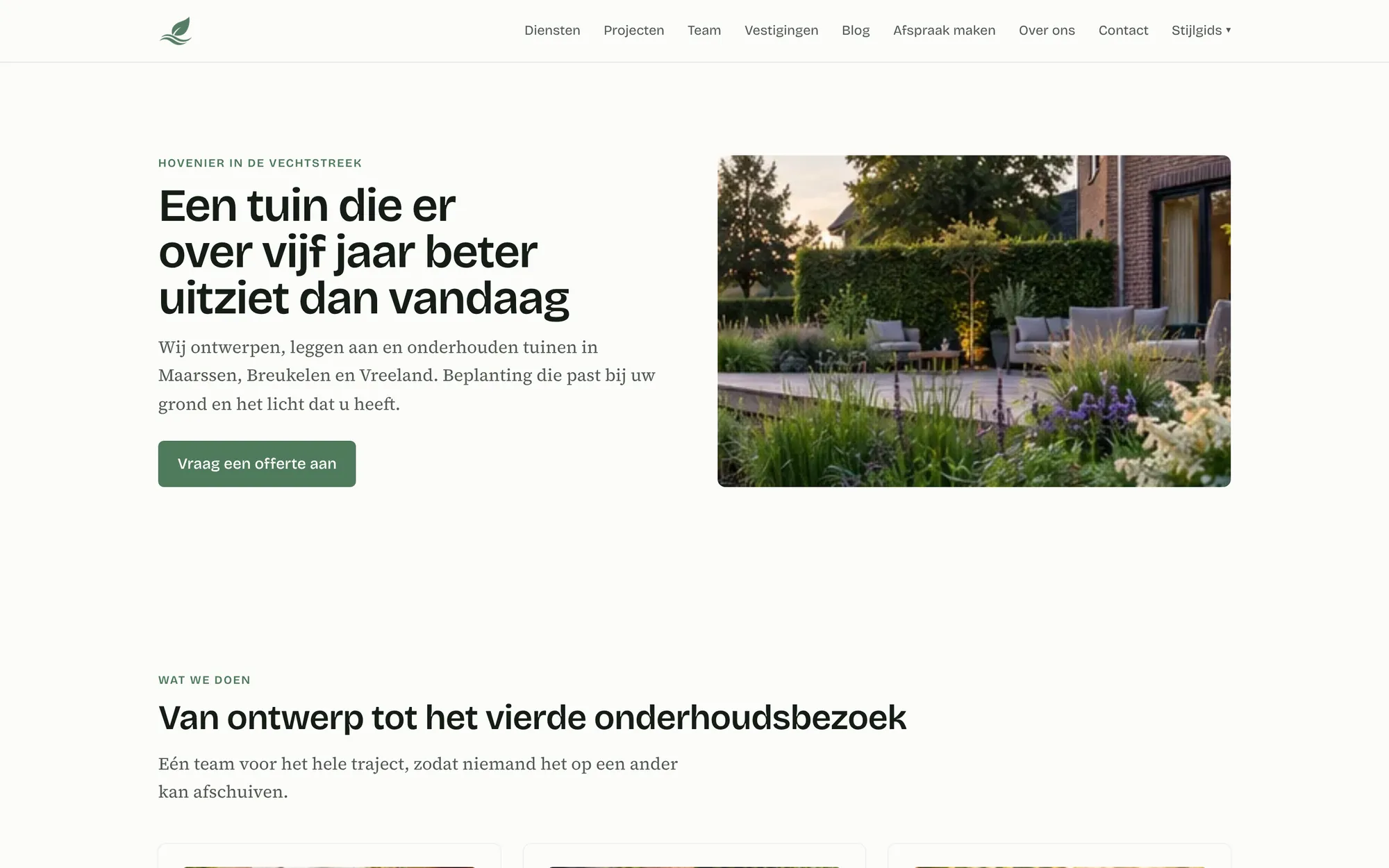
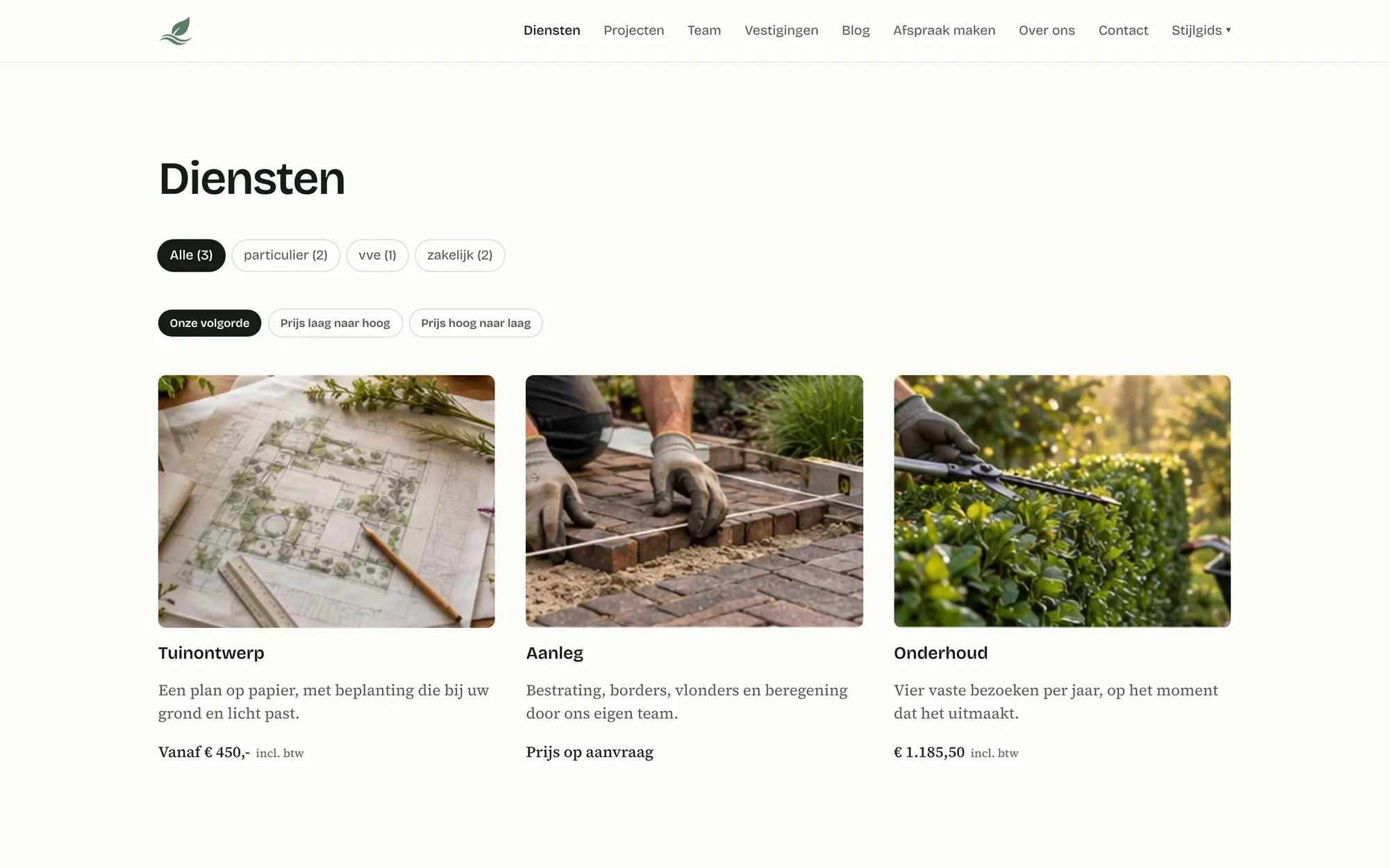
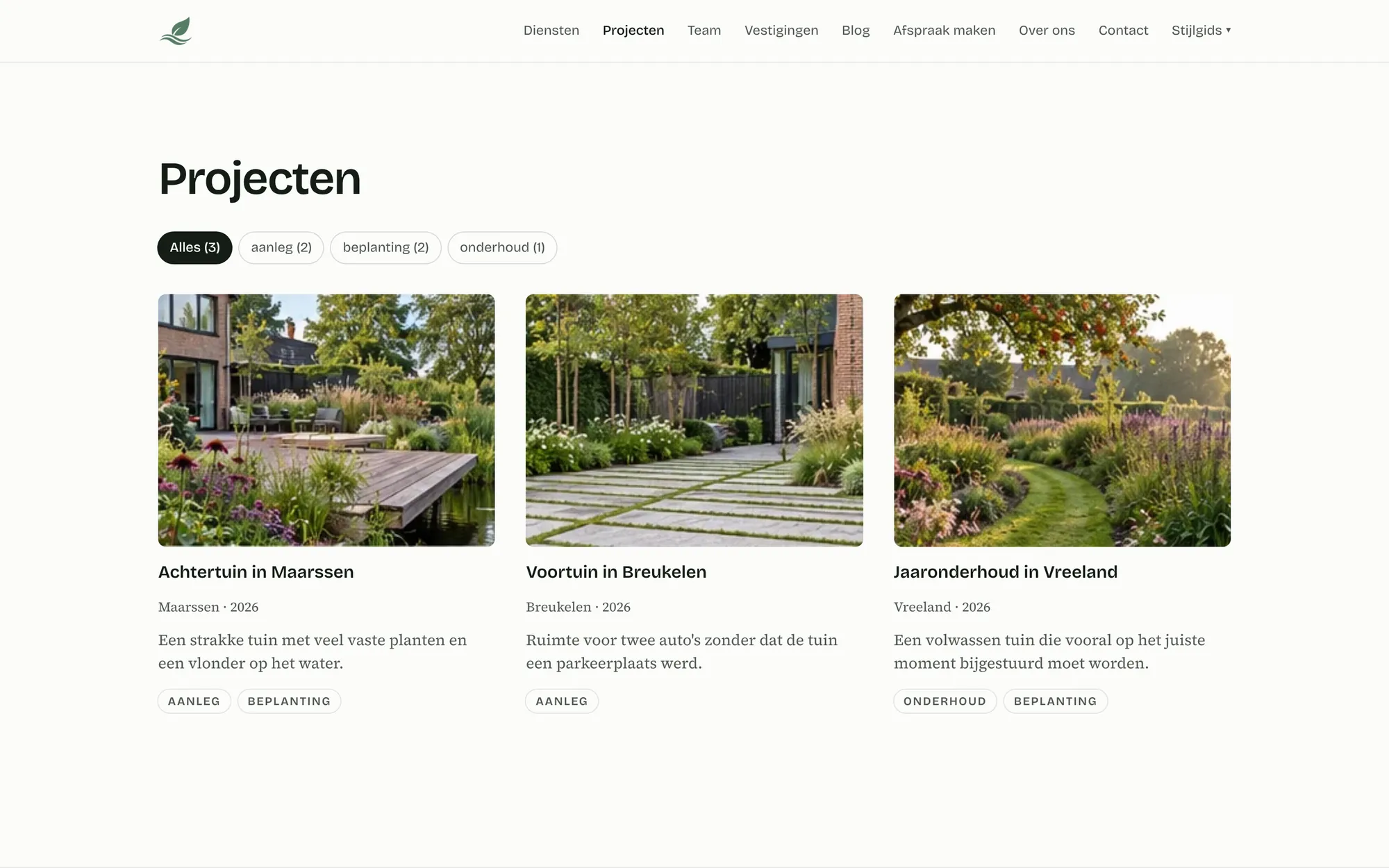
A complete test website, scrolling top to bottom. A fictional landscaping business, built entirely in NOA.
The editor
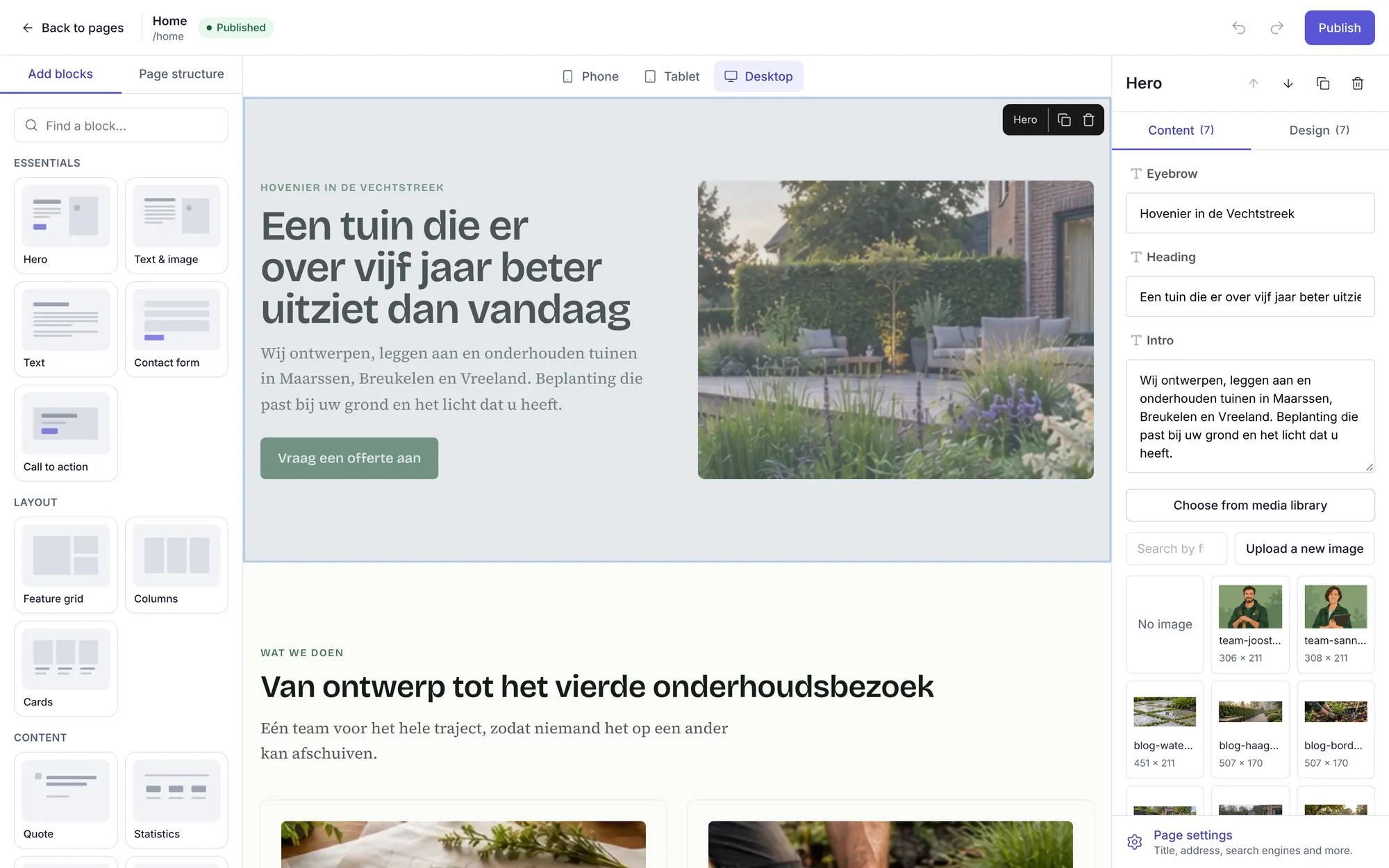
Edit visually. Break nothing.
Build pages from blocks that were designed by people. Every layout on offer is one we would ship, so a page looks good however you assemble it.
Drag, drop, done.
Pick a block, drop it on the page and type. Click anything on the page to edit it in place, with the controls neatly split into content and design.
- 30+ blocks: hero, cards, pricing, gallery, FAQ, maps, forms and more
- Autosave, undo and redo, and a full version history
- Schedule a page to go live at a set date and time
- Leave notes on a page for a colleague
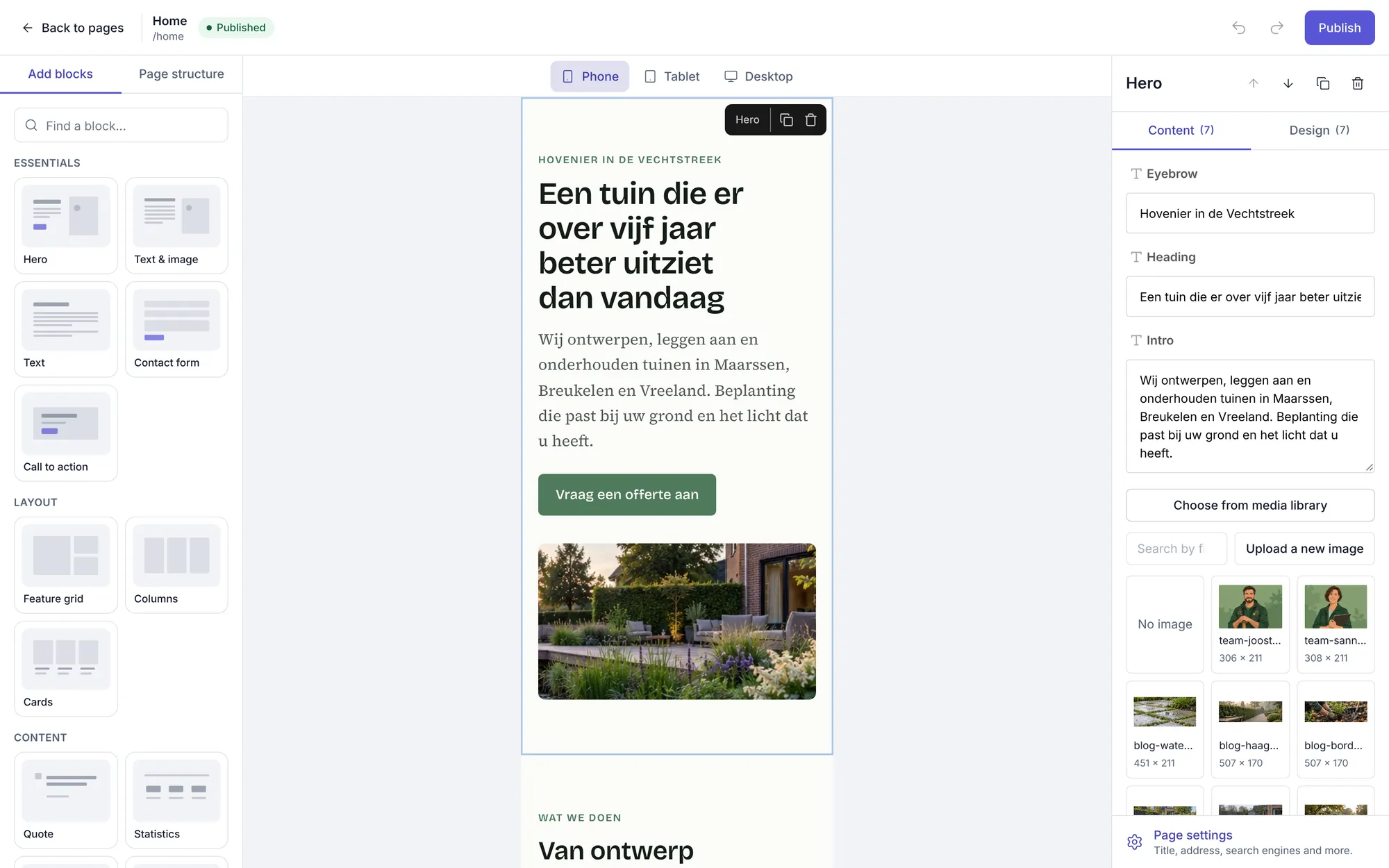
Checked on every screen, while you edit.
Switch between phone, tablet and desktop without leaving the editor. Layouts are designed to collapse properly, so what you see is what visitors get.
- Phone, tablet and desktop preview
- A structure panel to reorder whole sections in seconds
- Responsive by design, not by luck
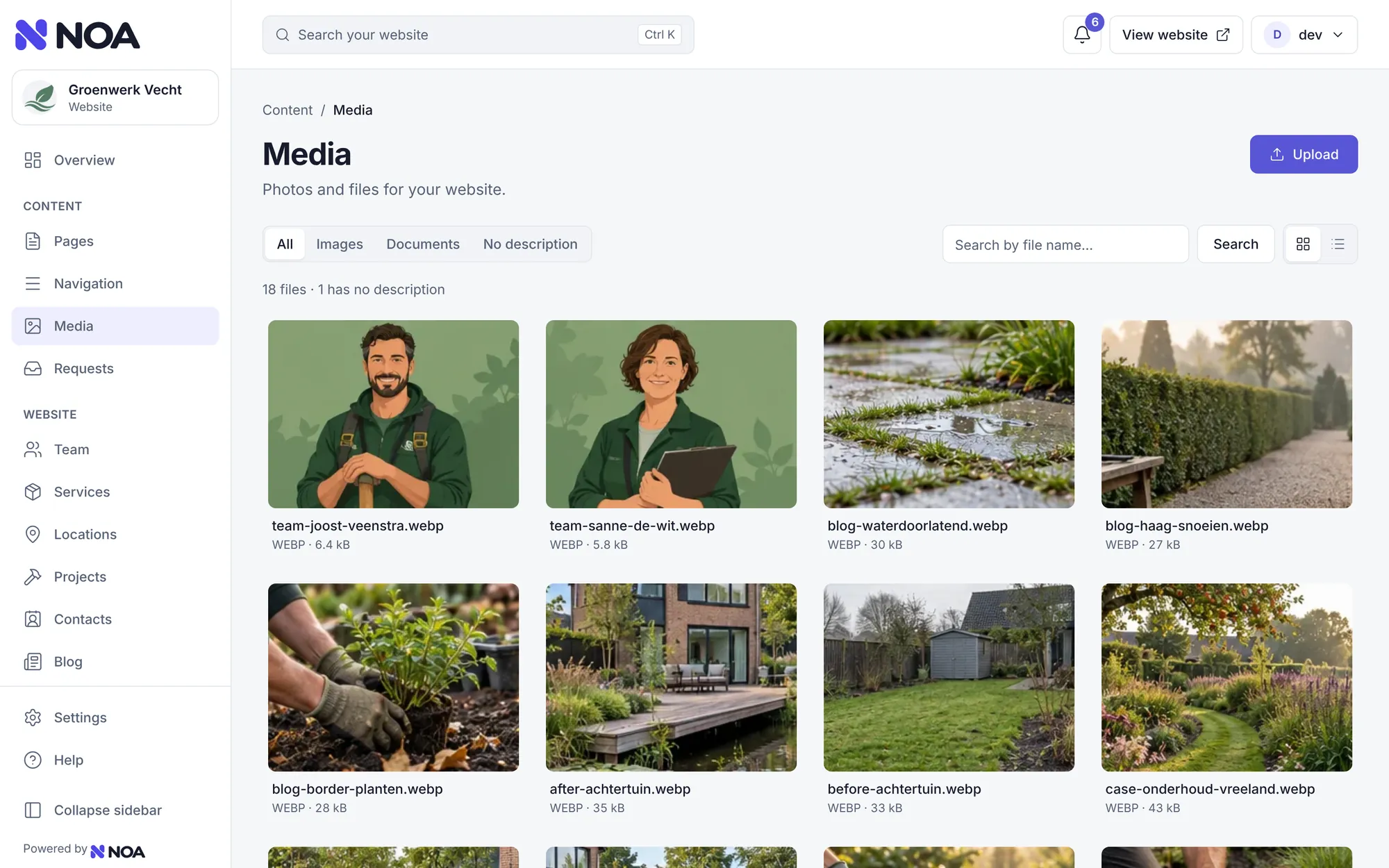
A media library that thinks ahead.
Upload once and reuse everywhere. Every image can carry an alt text, and NOA tells you where one is still missing.
- Drag-and-drop uploads with progress per file
- Alt text per language, for accessibility and for search
- Search, filters and a details panel with the full original
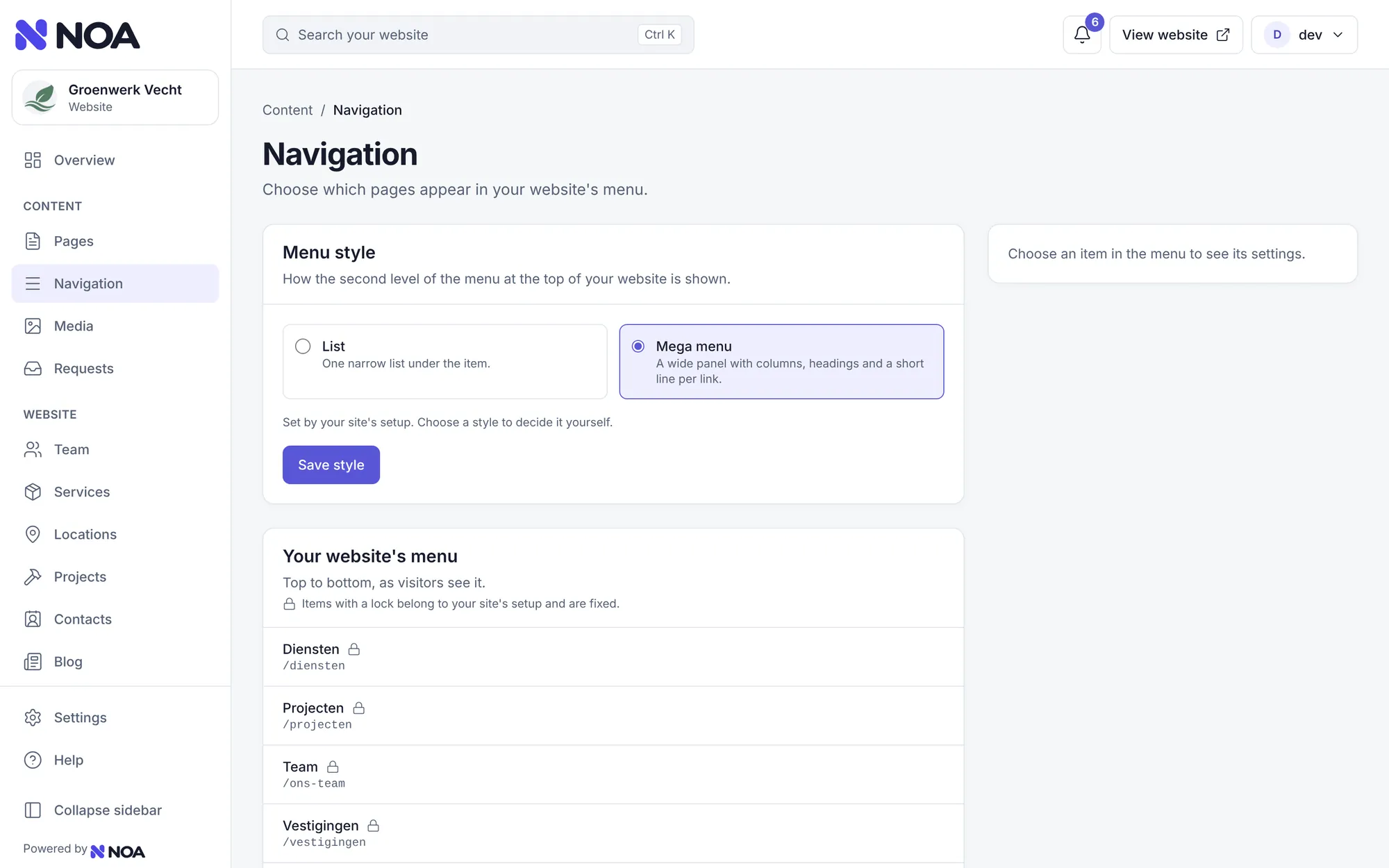
A menu you can arrange yourself.
Tick a page and it is in the menu. Choose a simple list or a mega menu with columns, headings and short descriptions, without asking a developer.
- Two menu styles: a simple list or a mega menu
- Nest pages and set the order
- A scheduled page stays out of the menu until it goes live
Beyond pages
Run the business from the same place.
Modules turn the website into a working tool. Switch on what you need. Each one comes with its own admin screens, public pages, structured data and labels in your own words.
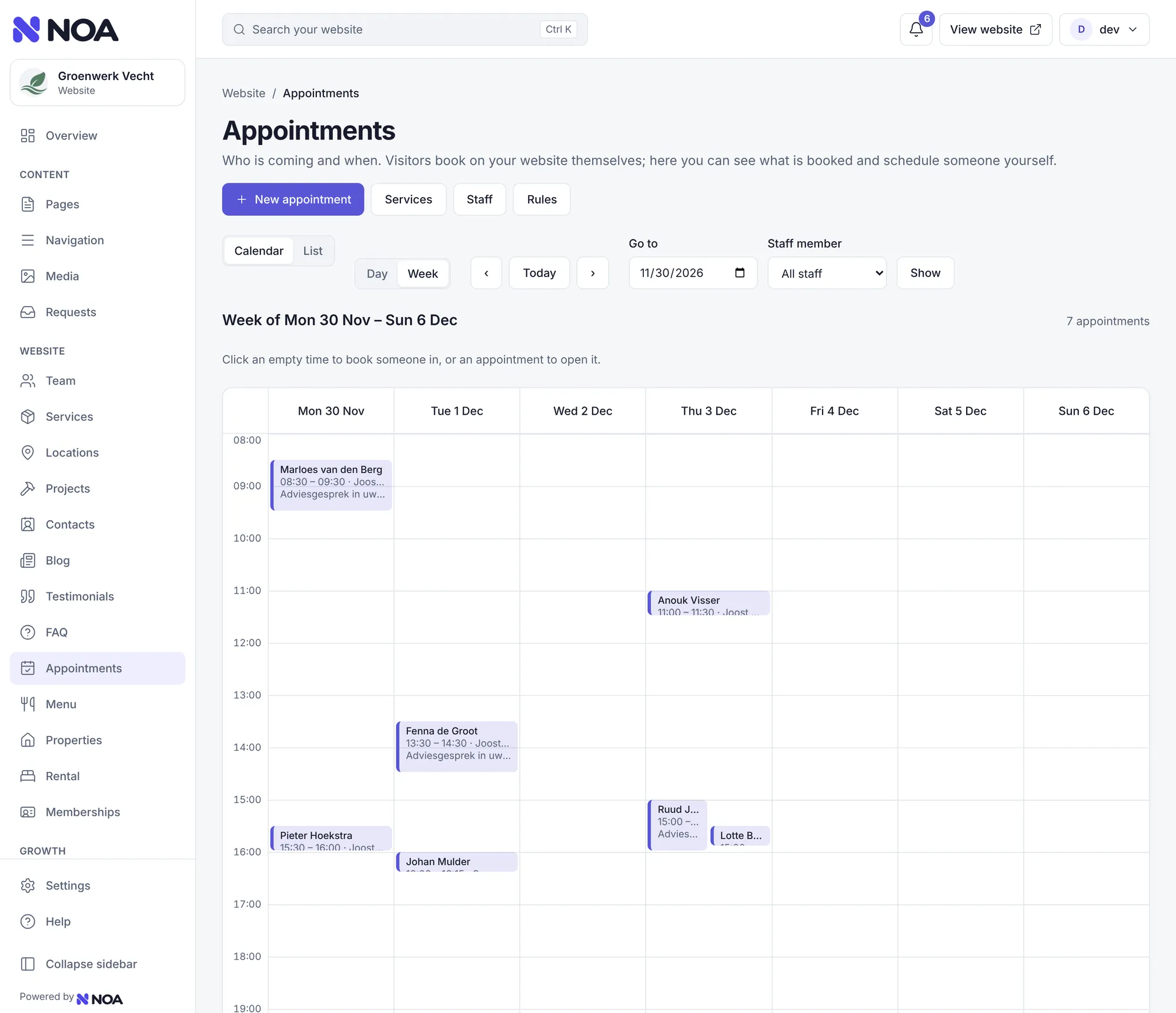
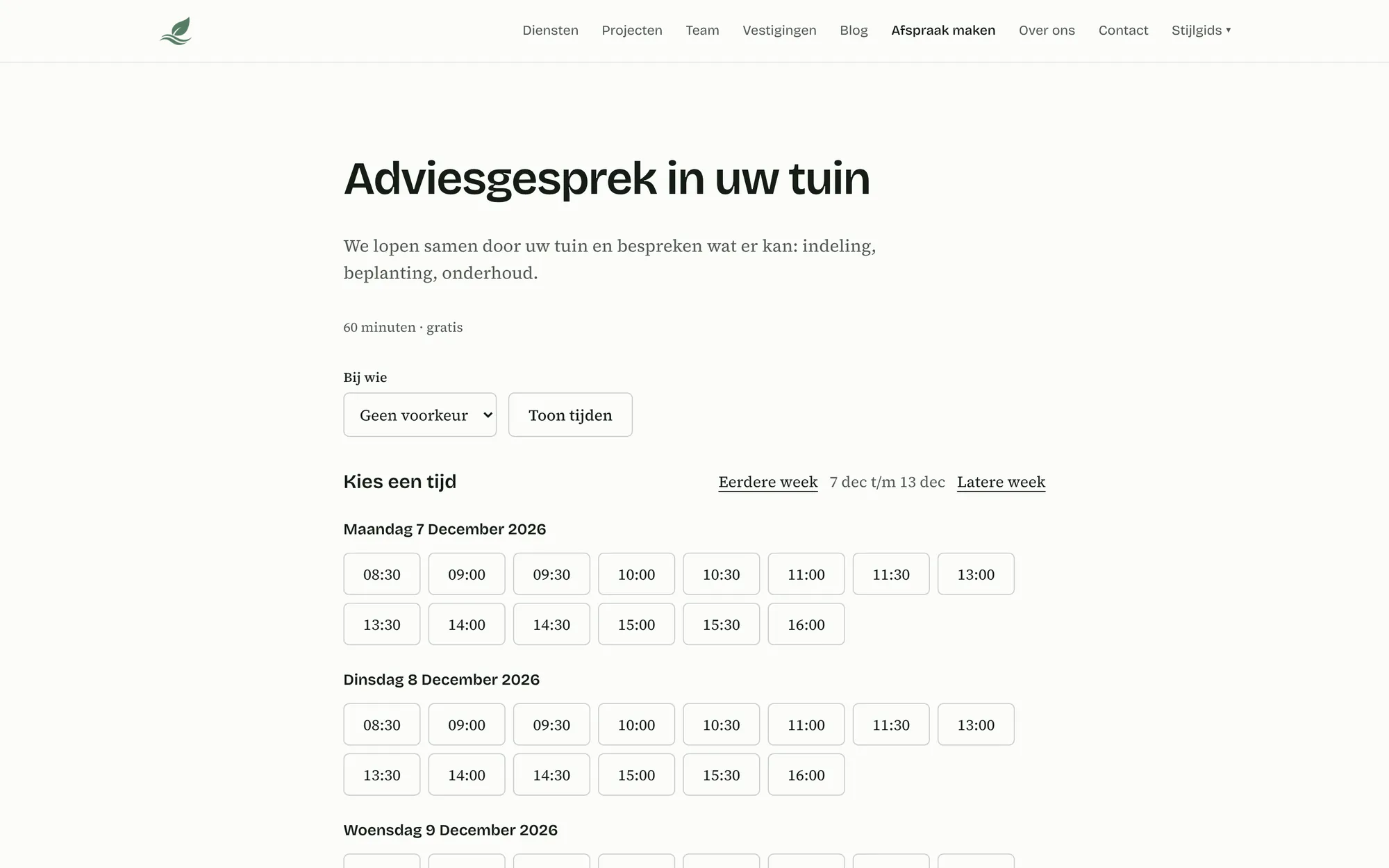
Appointments that cannot double-book.
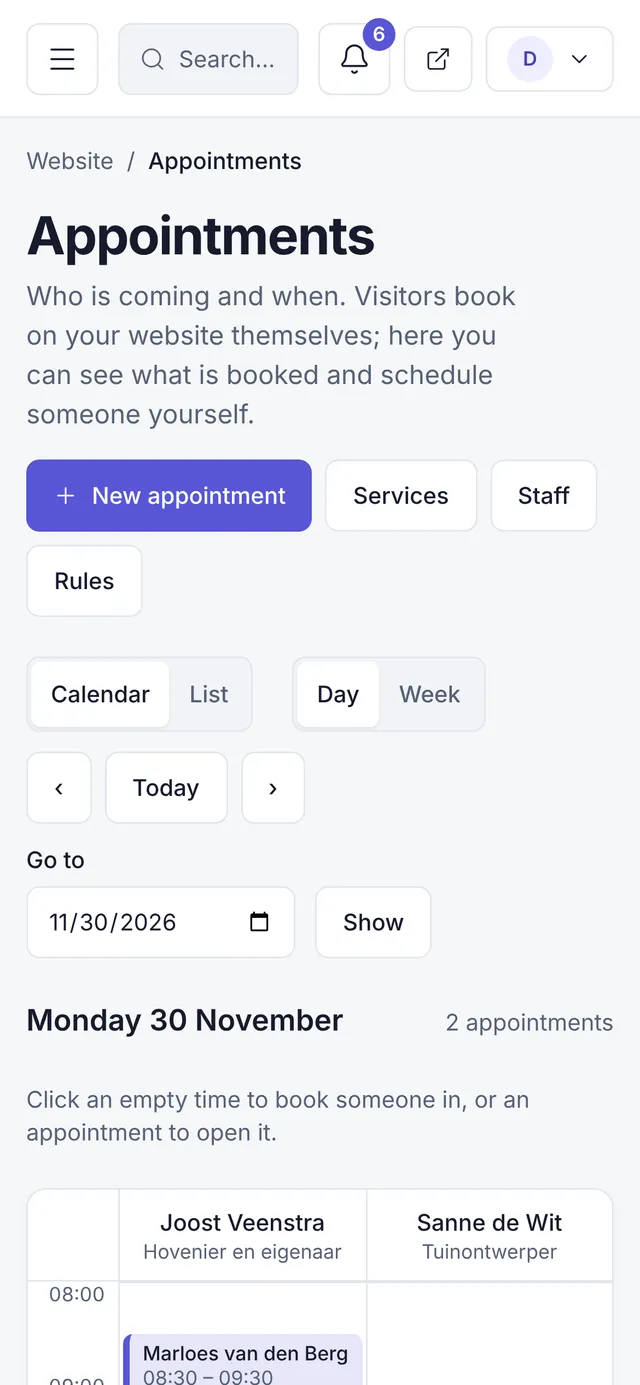
Visitors pick a time on your website and you see it in a calendar. Staff, services, buffers and opening hours are all supported, and two people can never take the same slot, because the database itself refuses it.
- Day and week calendar
- Click an empty time to book by phone
- Visitors can cancel or move without logging in
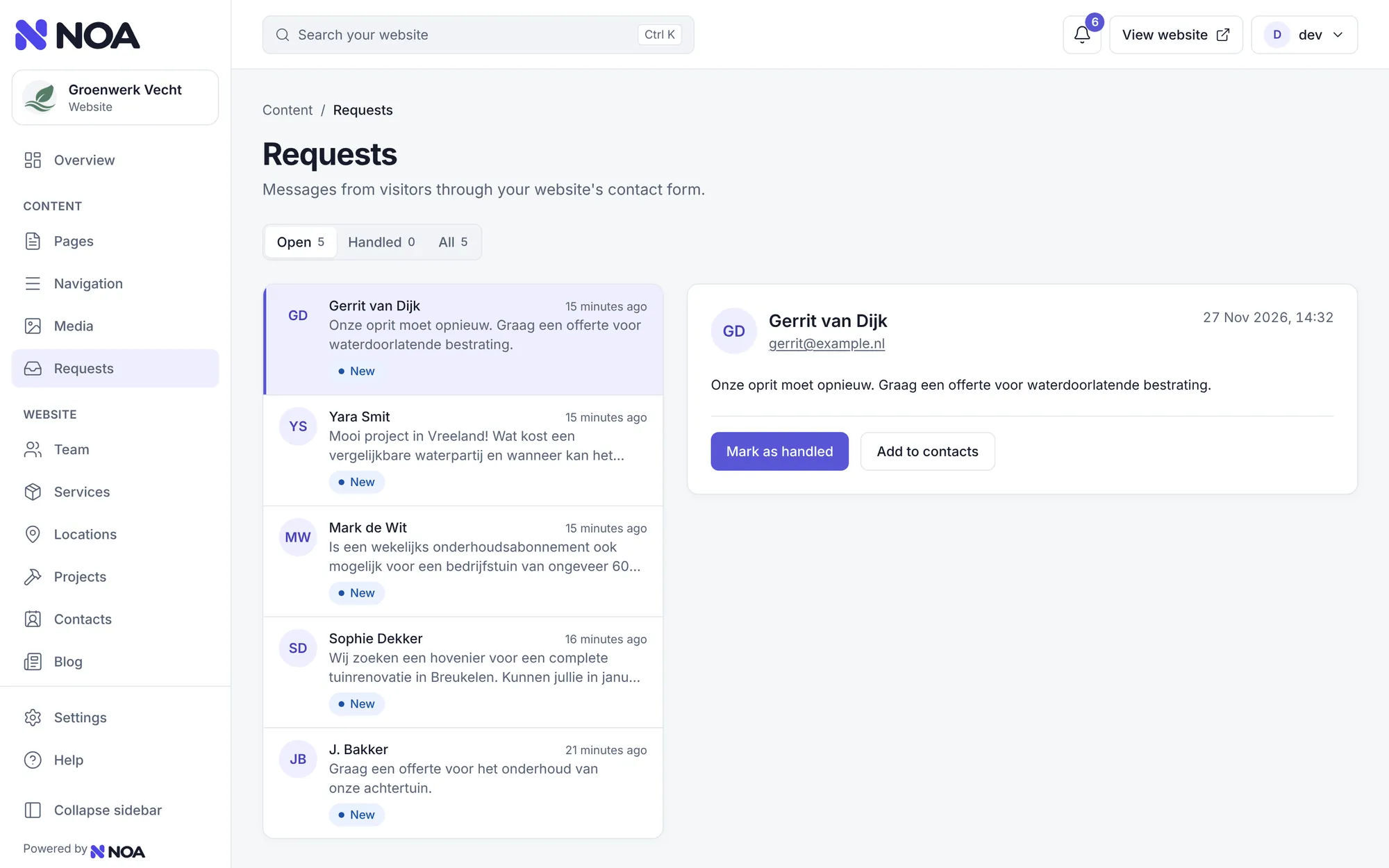
An inbox that fights spam.
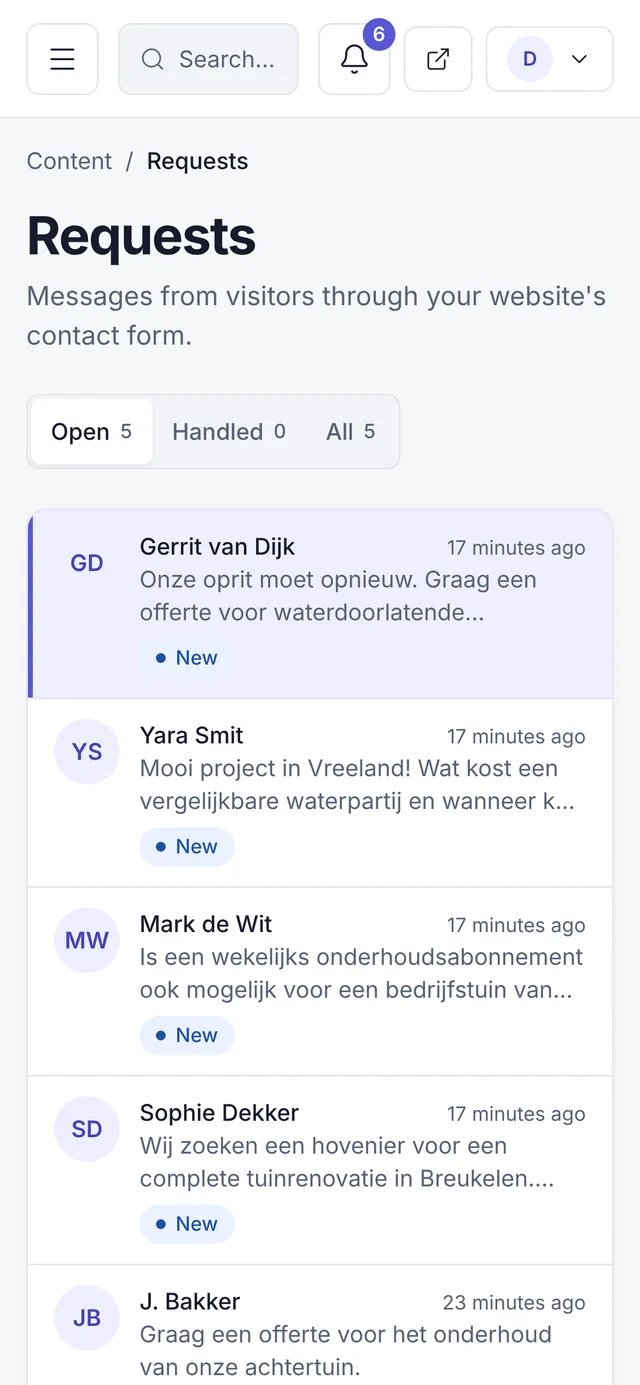
Every enquiry lands in one inbox with invisible spam protection, so there is no CAPTCHA to annoy customers. One click turns an enquiry into a contact.
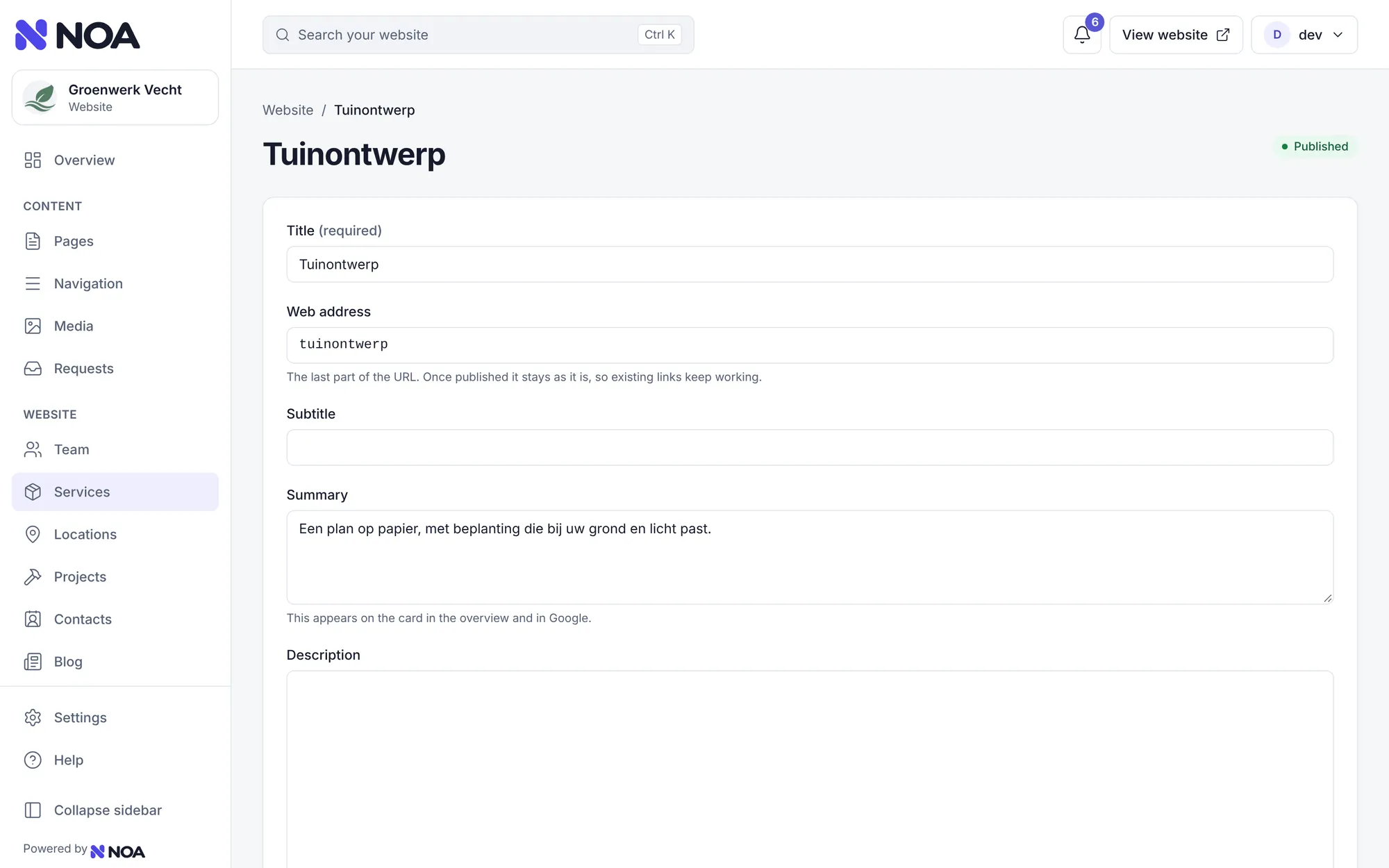
Content you can actually manage.
Services, team, projects, locations, blog, reviews and FAQ each get a clean editor, a draft and publish flow, and the structured data Google likes.
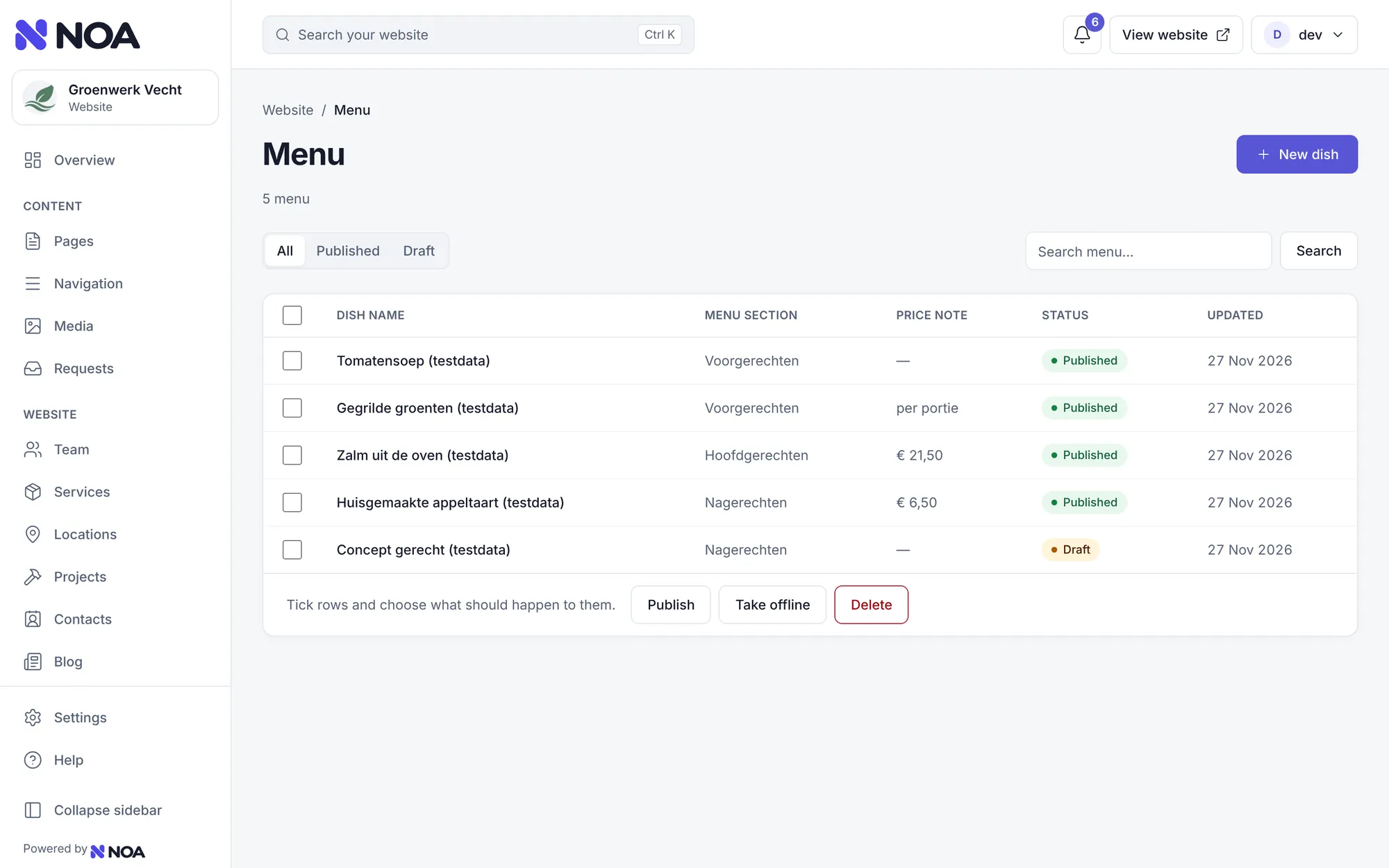
And for specific trades.
Rentals with two-way calendar sync, memberships, menus with the 14 EU allergens, and property listings. Off by default, on when you need them.
The admin
Calm, fast, and yours to run.
The admin wears NOA's own design, never the customer's brand, so it looks and works the same on every site. You see your name and logo, and your website is what you edit.
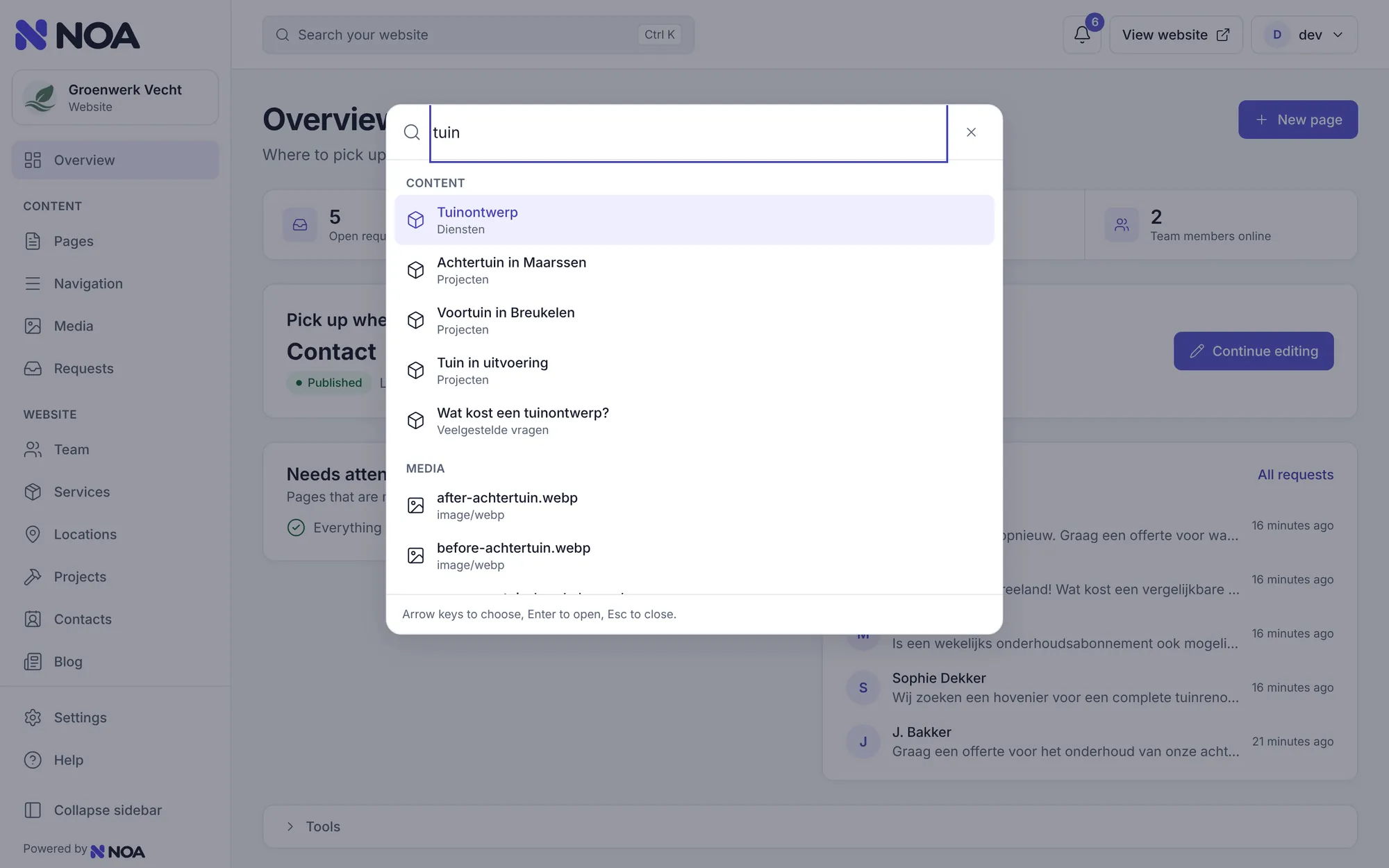
- Search everything. Press Ctrl K to jump to any page, service, project or image.
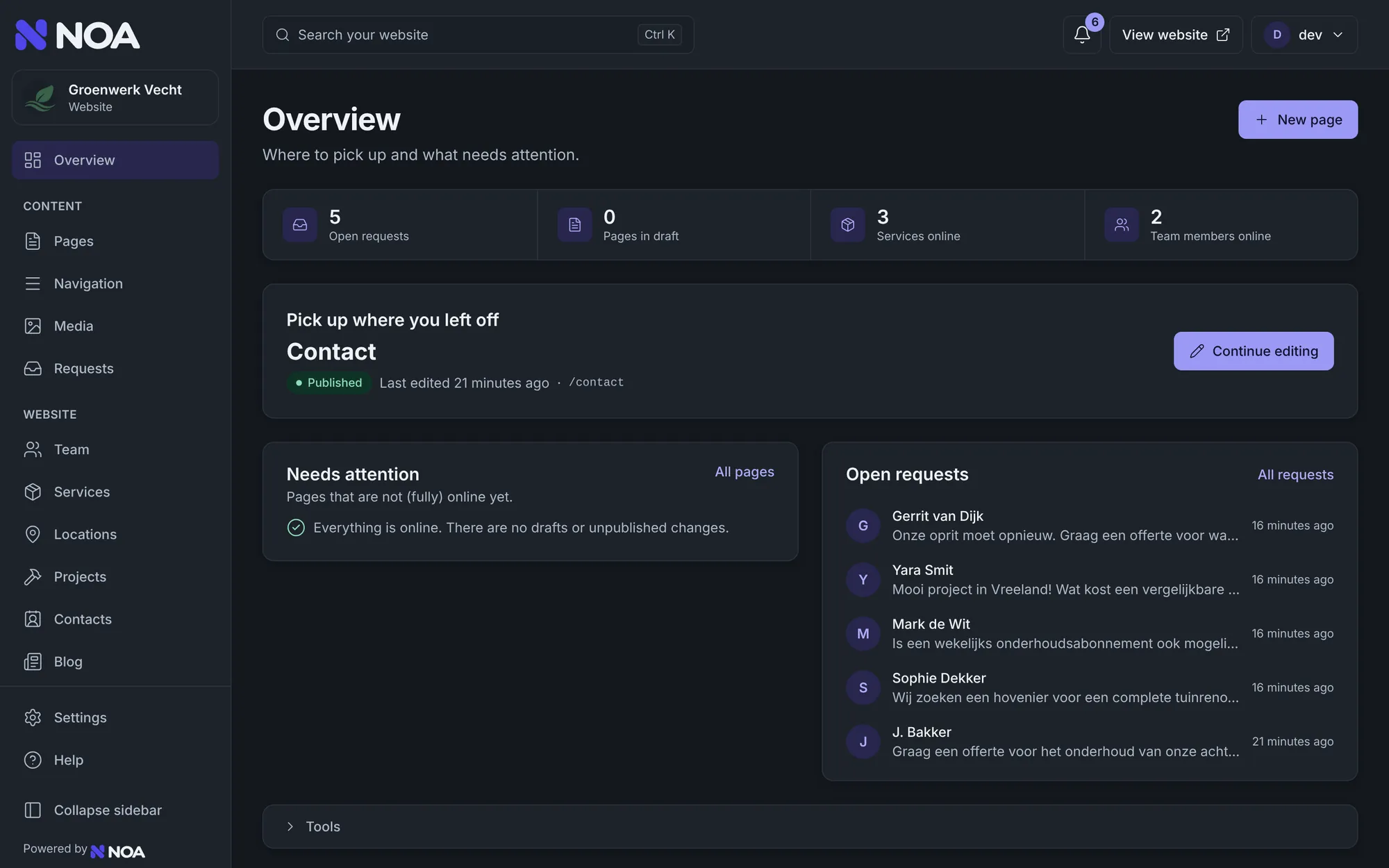
- Light and dark. Follows your system, or choose. No flash on load.
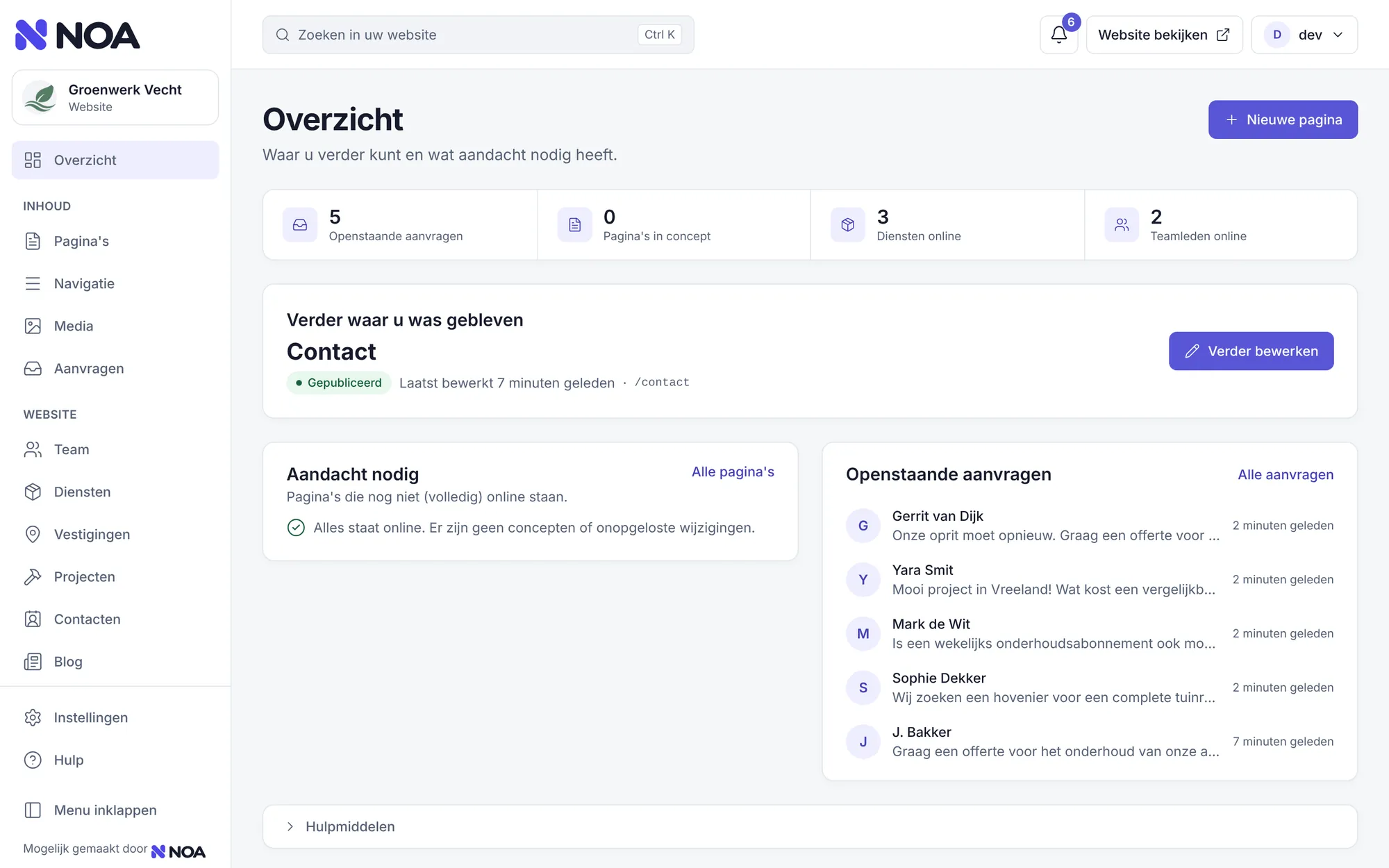
- Dutch and English. The whole admin speaks both, separate from your website's languages.
- Roles you can trust. Owner, admin and editor, checked on every change.
- A recycle bin and an audit trail. Deleted something? It is in the bin. Wondering who changed what? It is in the log.
On every screen
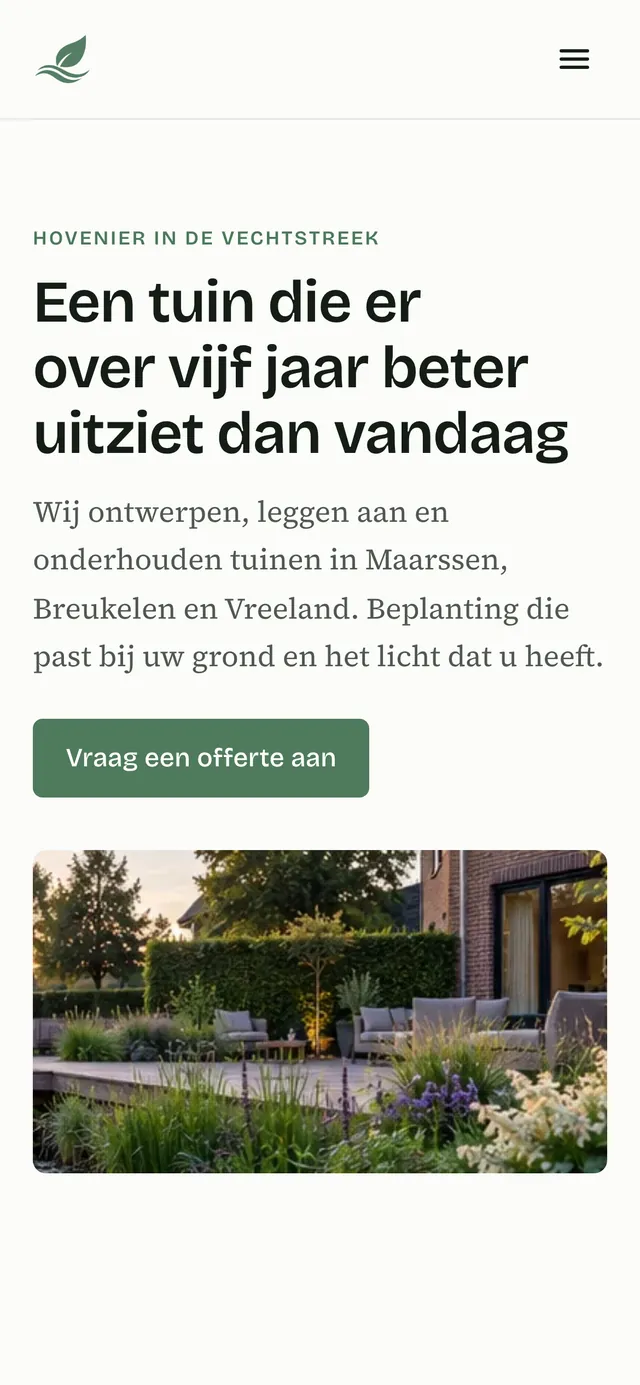
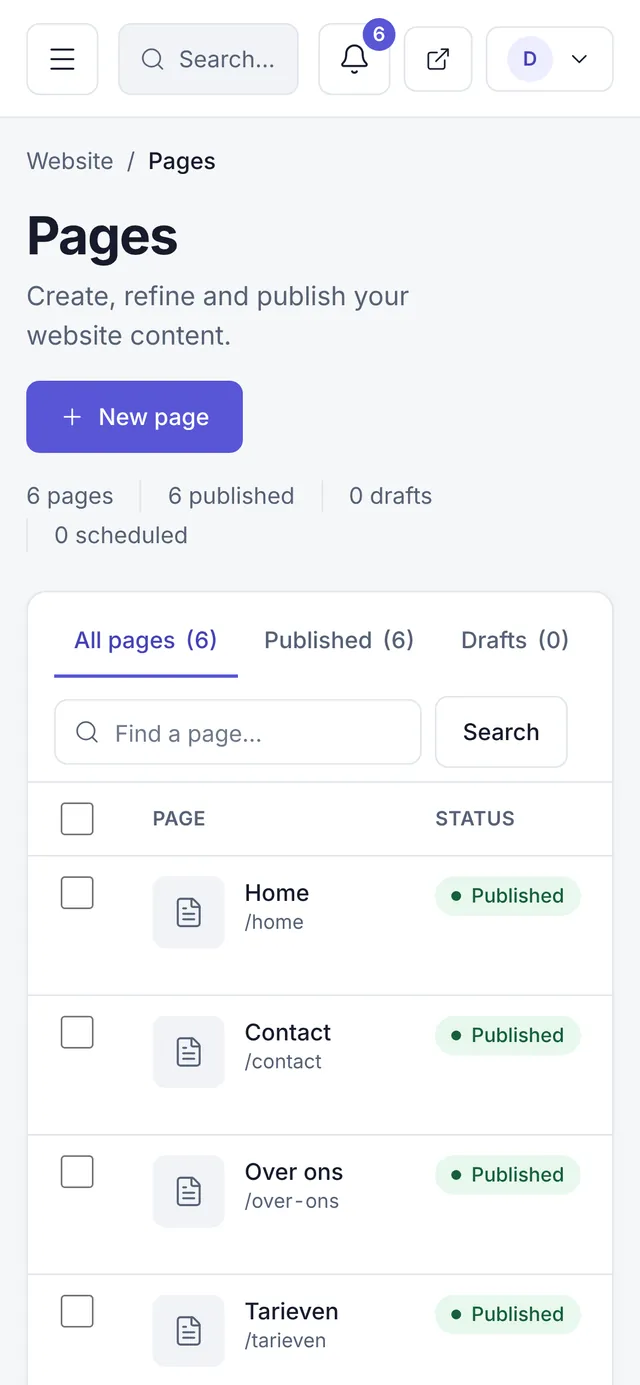
Your website on the phone. Your admin in your pocket.
Both are designed mobile-first. Visitors get a fast, readable site, and you can answer an enquiry from the touchline.
The website
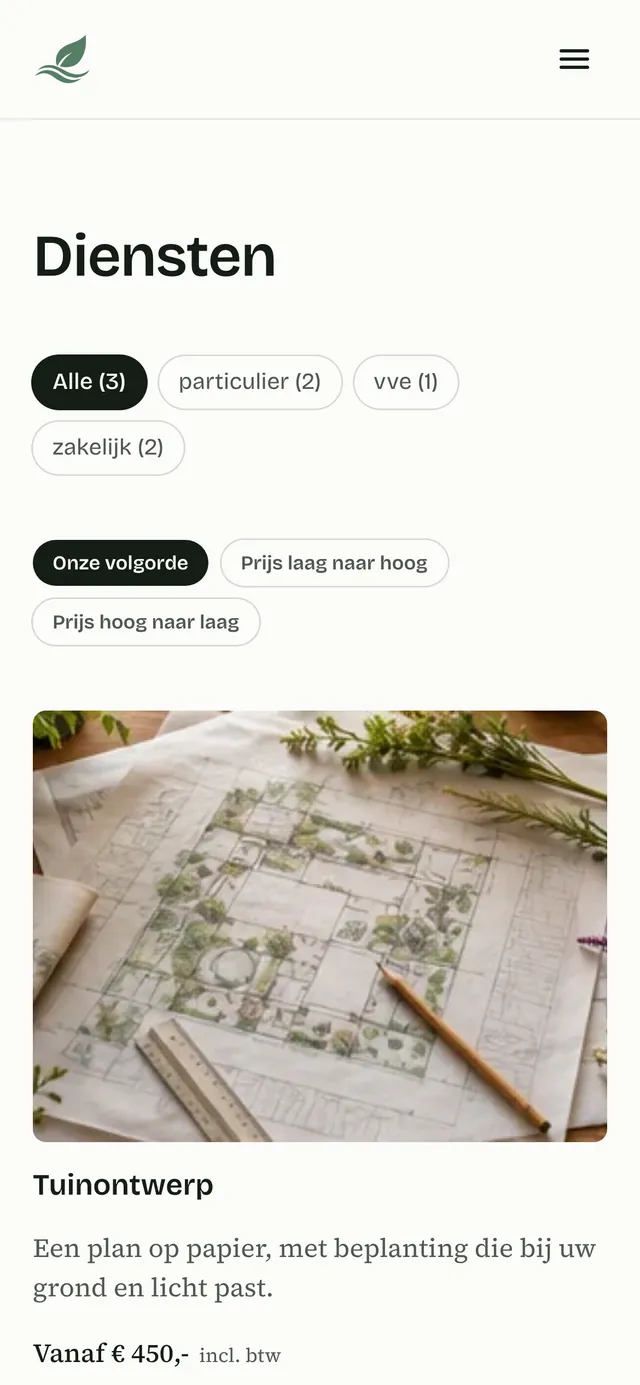
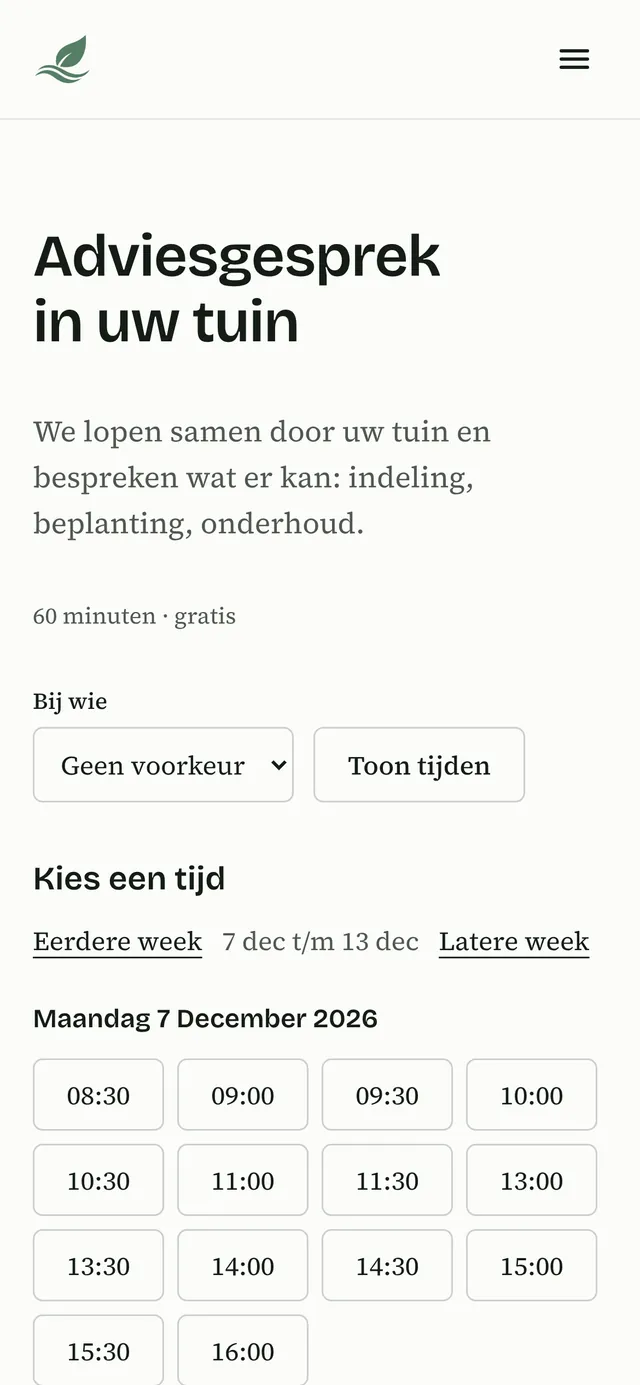
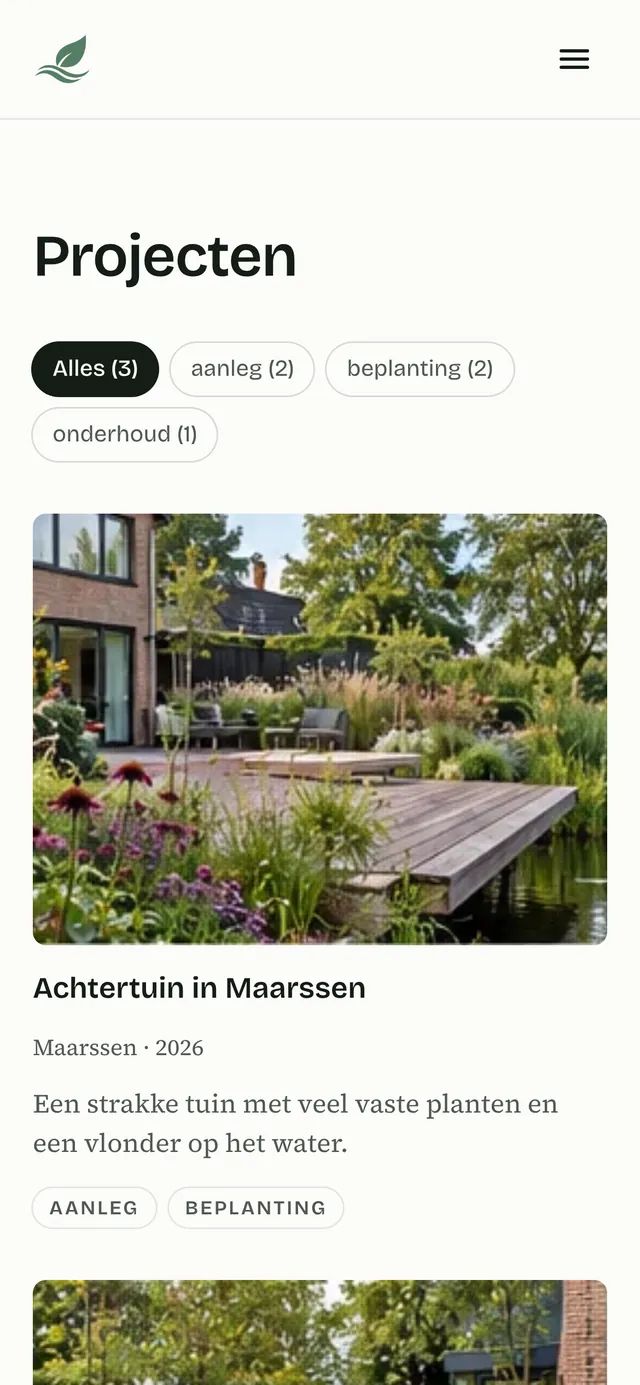
The admin
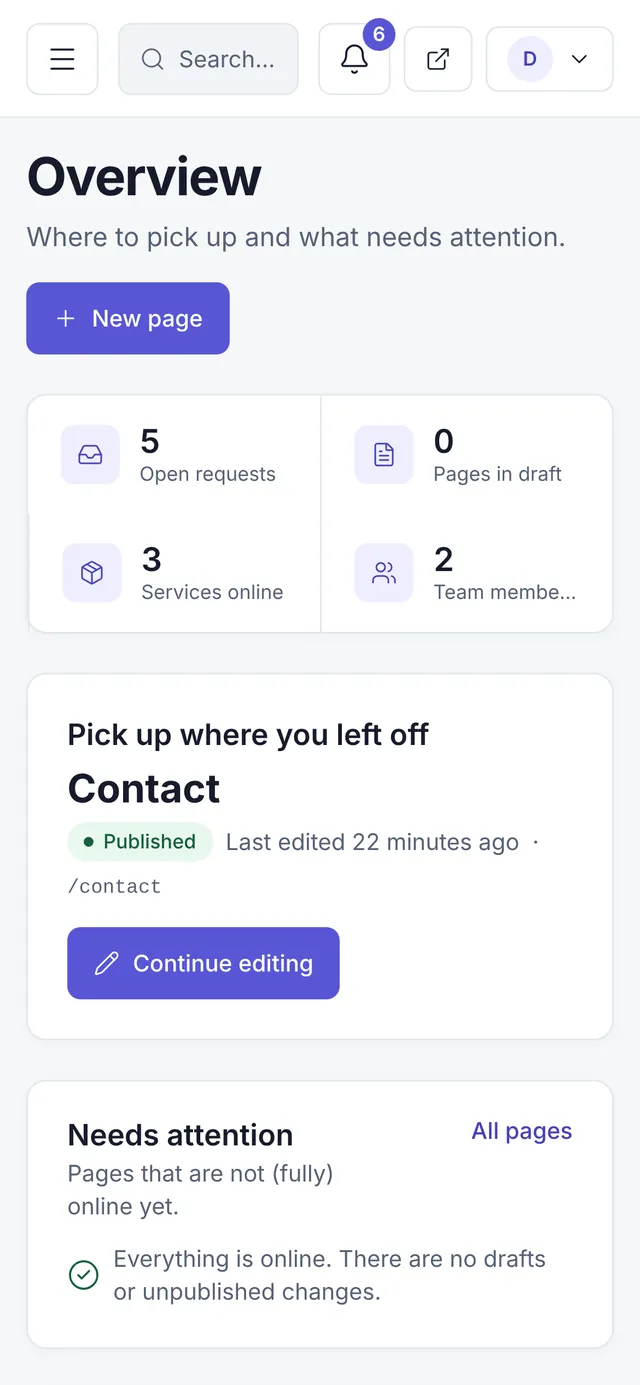
The boring things, done properly
Built to the standard clients assume and rarely get.
Fast by default
Statically generated pages, optimised images and self-hosted fonts. Built to a Lighthouse 95+ bar on mobile.
Findable
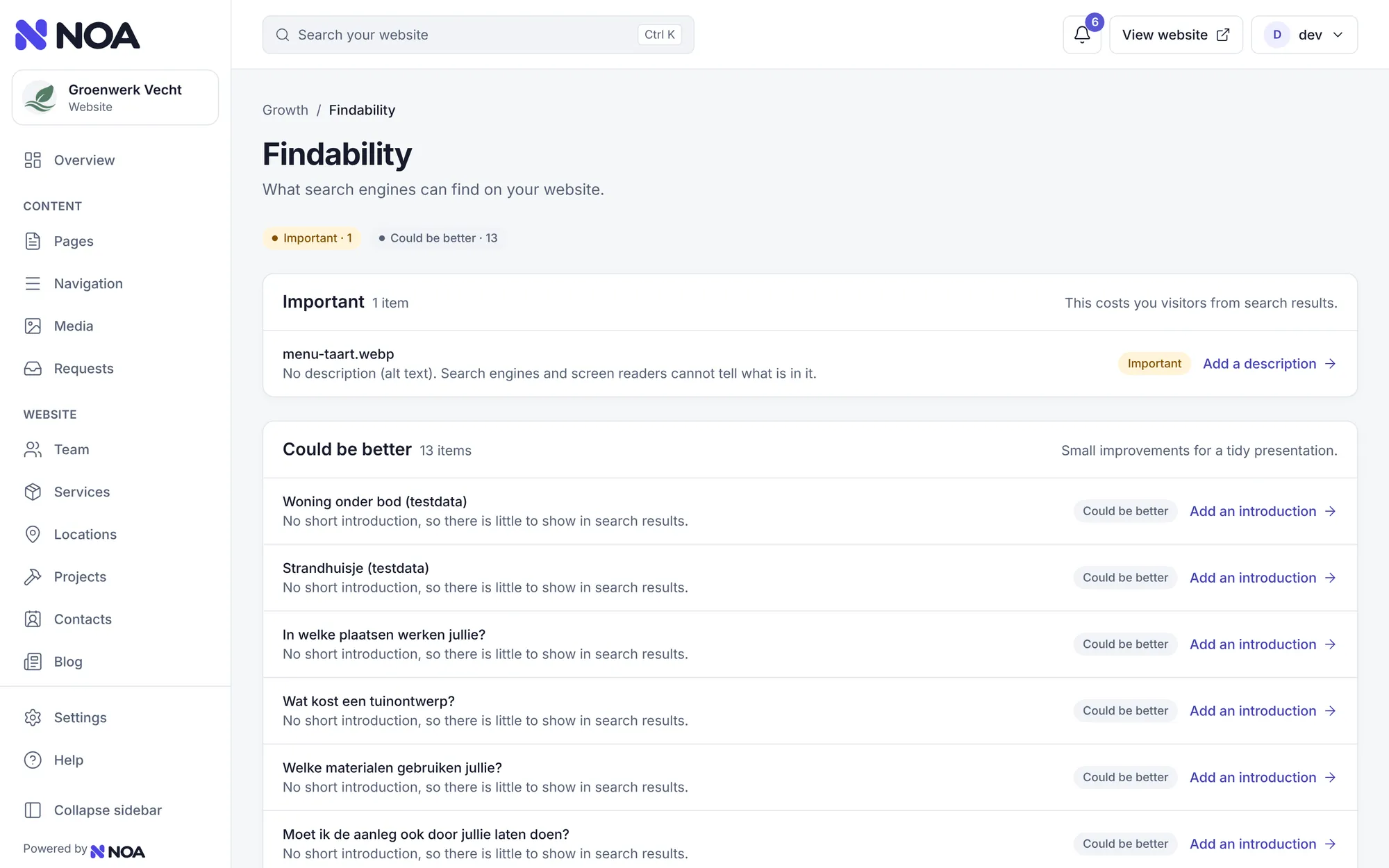
Per-page metadata, sitemap, structured data and hreflang. A findability screen lists what to fix, by priority.
Accessible
WCAG 2.2 AA: keyboard, focus and contrast. Pick a pale brand colour and NOA adjusts the text colour so it stays readable.
Private
No cookies, no third-party requests and no consent banner. Analytics are first-party, anonymous and cookie-free.
Safe
Roles, an audit trail of every change and a recycle bin. Every action is checked on the server, not just in the interface.
Multilingual
Dutch, English or more. URLs, menus, SEO and hreflang are handled per language from day one.
A findability screen that tells you what to fix.
Missing alt texts and short introductions are listed by priority, each with a link to the place where you fix it.
How it works
From brief to live site.
- 1
Brief
You tell us about the business, the brand, the services and the audience.
- 2
Provision
We set up your own database, hosting and site. Nothing is shared with other customers.
- 3
Fit-out
We apply your design, load your content and switch on the modules you need. Everything starts as a draft.
- 4
Launch and evolve
You approve and we go live. From then on every NOA improvement reaches you through a tested release.
Your content, design and domain are always yours.
Digital Empower operates the platform. If you ever leave, we hand over a frozen, standalone copy of your site.
Updates without drama.
Every release is tested on our own showcase site first, an automated smoke test acts as a gate, and only then do customer sites follow, one at a time.
The test website
A complete website, built entirely in NOA.
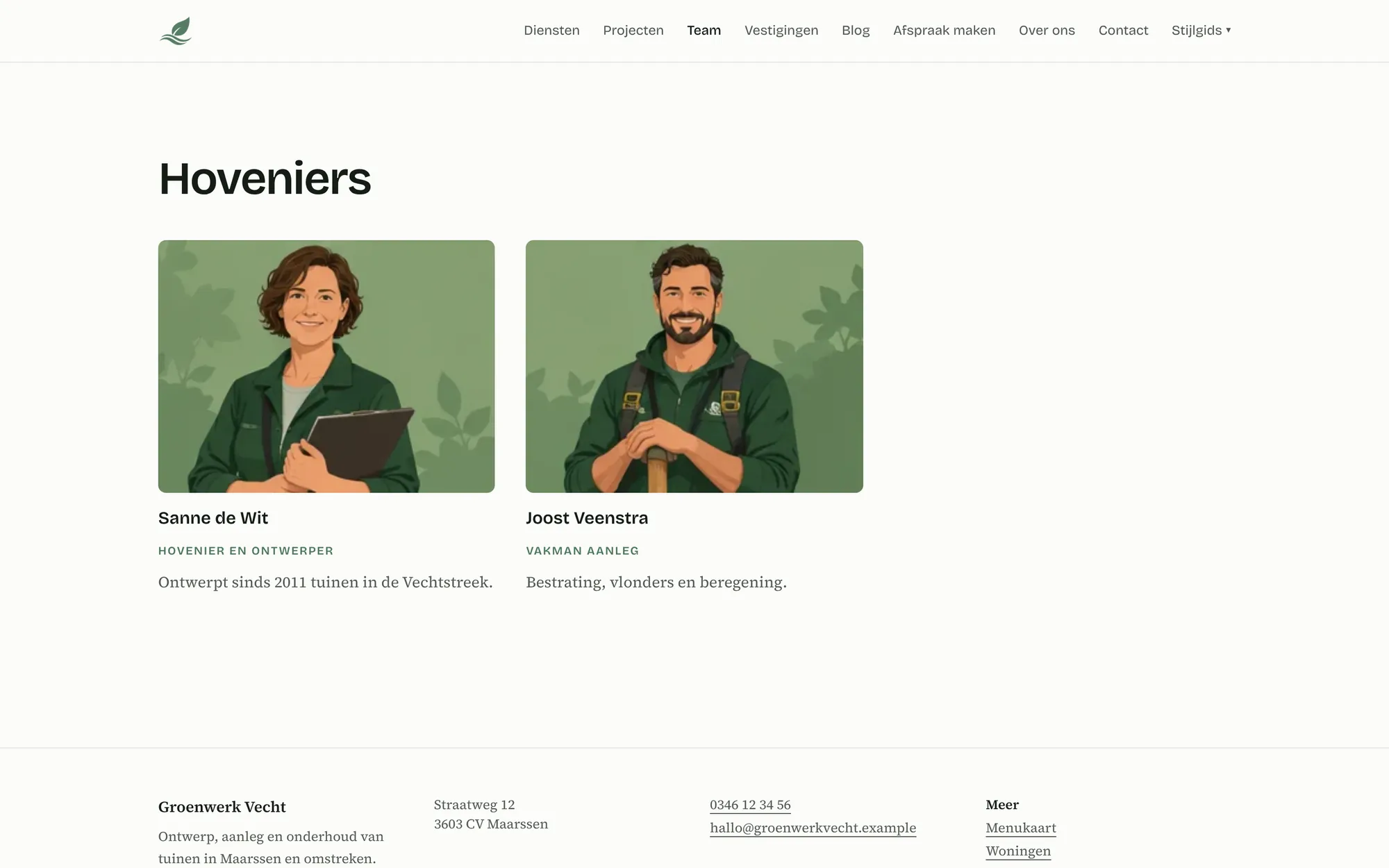
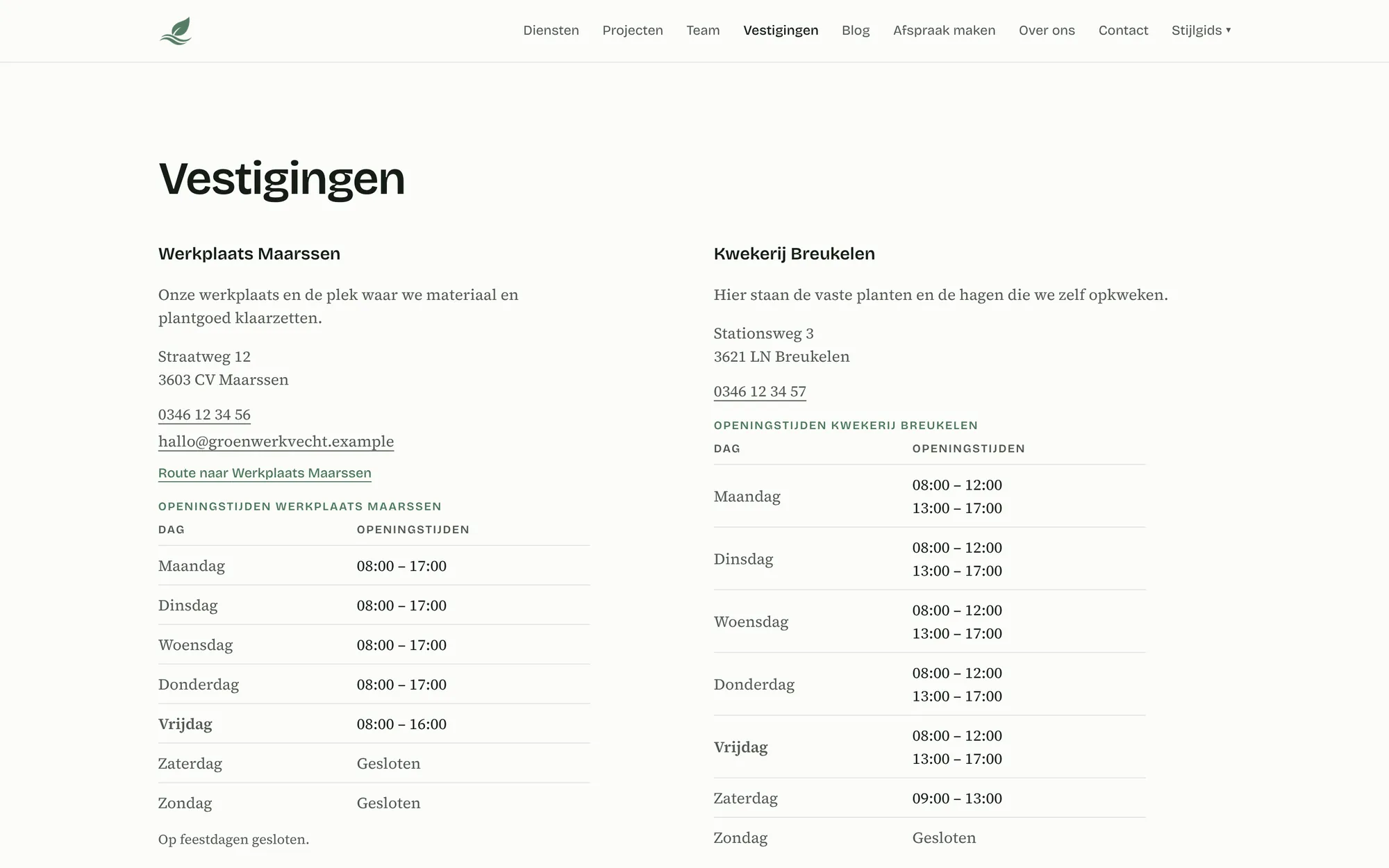
We built a full website for a fictional landscaping business to show what is possible. All names and content on it are made up.
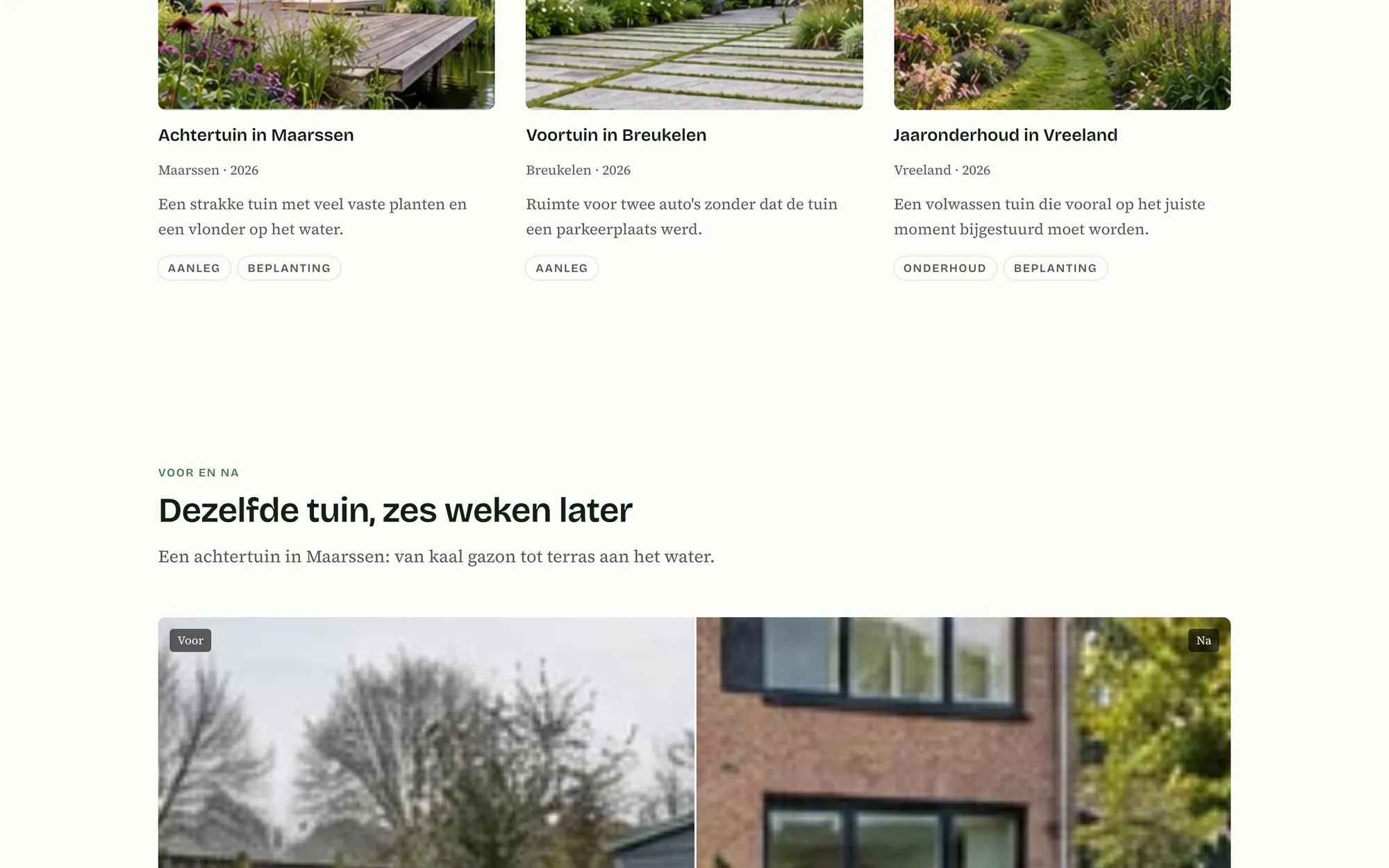
Even a before and after slider.
Blocks like this are part of the platform, ready to drop on any page.
Questions we hear a lot
Is NOA a WordPress alternative?
In spirit, yes: a visual editor and full control of your content. The difference is that structure, SEO, accessibility and performance are built in rather than assembled from plugins, so there is no plugin to forget to update.
Who owns the content and the domain?
You do. Your content, design and domain are yours. Digital Empower owns and operates the platform. If you ever leave, we hand over a frozen standalone copy of your site.
What happens when NOA gets an update?
Releases are tested on our own showcase site first, an automated smoke test acts as a gate, and then customer sites follow one at a time. Your content is never touched by an update.
Can my website be multilingual?
Yes. Languages are part of the platform from day one: translated pages, per-language URLs and menus, and the right hreflang for search engines.
Do I need a cookie banner?
Not with NOA as delivered: it sets no cookies and contacts no third-party hosts. If you add something that does, such as a chat widget, we will tell you what that changes.
What if I need something that is not there yet?
New capabilities are built as modules. A bespoke feature can live in your own site folder and still receive every platform update.
What does it cost?
NOA is a subscription for the platform and its operation, plus a one-off setup that depends on scope. Get in touch and we will give you a clear quote.
Let's build yours.
Book a demo and see NOA with your own content, your own brand and your own questions.